
Subscription Audit Wheel
Spin the wheel to get tasks that help you review, optimize, and manage all your subscriptions!
How to Use the Subscription Audit Wheel
Benefits of Using the Subscription Audit Wheel

Identify Unused Subscriptions
The Subscription Audit Wheel helps you quickly identify unused or rarely used subscriptions that quietly drain your monthly budget. From streaming services to software tools and mobile apps, the wheel guides you through actionable audit tasks that highlight where your money is going. By reviewing subscriptions one by one, you gain clarity on recurring expenses, eliminate waste, and regain control over your finances. This structured approach makes subscription management simple, efficient, and stress-free.
Save Money
By optimizing your active subscriptions, the Subscription Audit Wheel helps you save money every month. It encourages tasks such as canceling unused plans, switching to cheaper alternatives, using family or shared plans, and taking advantage of annual discounts. Over time, these small actions can lead to significant savings. This tool is perfect for anyone looking to reduce unnecessary expenses and improve their overall budgeting and financial planning.

Interactive and Easy
Auditing subscriptions doesn’t have to be boring or overwhelming. The interactive spinning wheel turns subscription management into a simple and engaging activity. Each spin gives you a clear, actionable task, helping you stay focused without information overload. This gamified experience makes it easier to stay consistent, build better financial habits, and regularly review your subscriptions without procrastination.
Free and Accessible
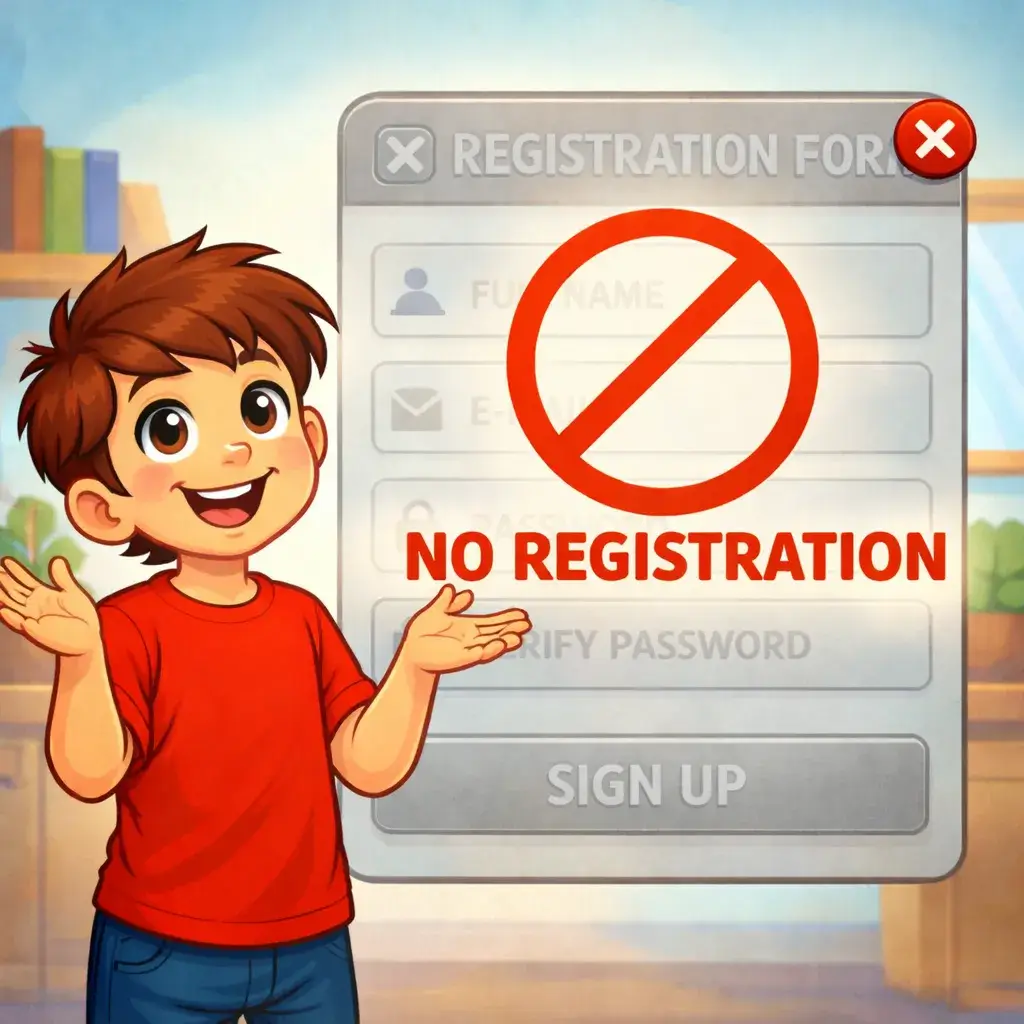
The Subscription Audit Wheel is completely free and accessible on any device, including desktop, tablet, and mobile. No login, registration, or payment is required, so you can start auditing your subscriptions instantly. Whether you want to do a quick monthly review or a deep audit, this tool gives you full control anytime, anywhere, helping you manage subscriptions at your own pace.
Subscription Audit FAQs

What is the Subscription Audit Wheel?
The Subscription Audit Wheel is an interactive tool that helps you review, manage, and optimize all your subscriptions. By spinning the wheel, you receive actionable tasks that guide you to identify unused subscriptions, reduce recurring expenses, and regain control over your monthly budget.
How does the Subscription Audit Wheel work?
Each spin of the wheel generates a specific subscription-related task, such as reviewing streaming services, canceling unused apps, or checking renewal dates. These small, focused actions make subscription management simple and effective.
Can I customize the subscription audit tasks?
Yes, the wheel is fully customizable. You can add, edit, or remove tasks based on your personal subscriptions, spending habits, and financial goals.
Is the Subscription Audit Wheel free to use?
Absolutely. The Subscription Audit Wheel is 100% free to use with no sign-up, registration, or hidden fees. You can start auditing your subscriptions instantly.
Who should use the Subscription Audit Wheel?
Anyone who wants to reduce unnecessary expenses, manage recurring payments, or improve budgeting habits can benefit from using the Subscription Audit Wheel.
Can multiple users use the wheel at the same time?
Yes, multiple users can use the wheel independently on their own devices, making it great for families, roommates, or teams.
Try More Finance & Budgeting Wheels!
Spin other wheels to discover more tips, challenges, and interactive finance ideas.
See All Wheels